

Vertical Form Fill and Seal (VFFS) machines are the workhorses of the packaging industry, responsible for efficiently bagging everything from snack foods and coffee grounds to powders and liquids. While these machines are marvels of engineering, their complexity means that operational issues can and do arise. Unplanned downtime is the enemy of productivity, and quickly diagnosing the root cause of a problem is a critical skill for any maintenance technician or skilled operator.
This guide, based on insights from experienced field technicians, covers the 12 most common problems encountered on VFFS machines, their likely causes, and the actionable solutions to get your production line back up and running with minimal delay.
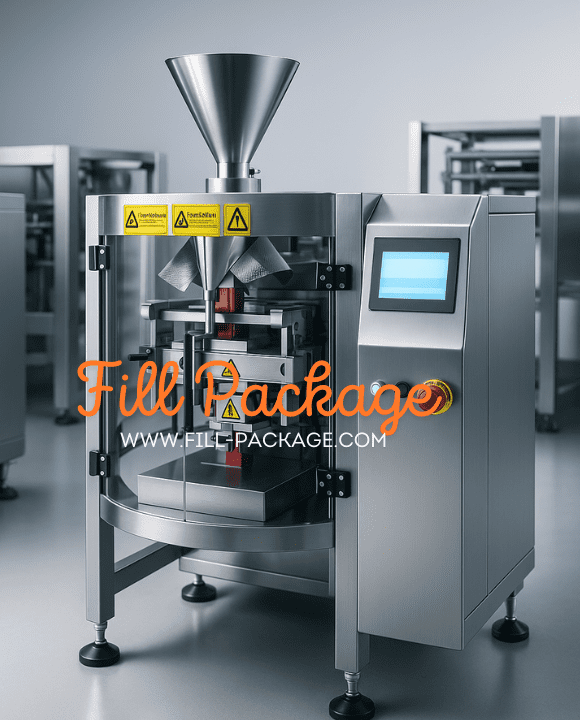
1. Film Snapping or Tearing During Operation
This is a frequent and frustrating issue where the packaging film web breaks unexpectedly, causing an immediate machine stoppage.
Potential Cause | Solution |
Defective Film Roll | Inspect the film roll for imperfections such as poor splices, edge tears, or excessive curl. Replace with a new, high-quality roll if defects are found. |
Film Feed Motor Fault | Check the wiring to the film feed motor for loose connections or damage. A faulty connection can cause erratic motor behavior. |
Damaged Proximity Switch | The proximity switch that controls the film feed may be damaged or out of position. Test the switch and replace it if it is not functioning correctly. |
2. Poor Seal Integrity or Leaking Bags
A critical failure where the bag seals are weak, incomplete, or peel open easily, leading to product loss and potential contamination.
Potential Cause | Solution |
Inconsistent Film Material | The inner sealant layer of the film may be non-uniform. Switch to a higher-quality packaging film from a reputable supplier. |
Uneven Sealing Pressure | The pressure across the sealing jaws is not uniform. This can be due to worn jaw components or misalignment. Adjust the jaw pressure and check for even contact using carbon paper. |
Sealing Temperature Too Low | The heat is insufficient to properly melt and fuse the sealant layer. Gradually increase the sealing temperature in small increments until a strong, hermetic seal is achieved. |
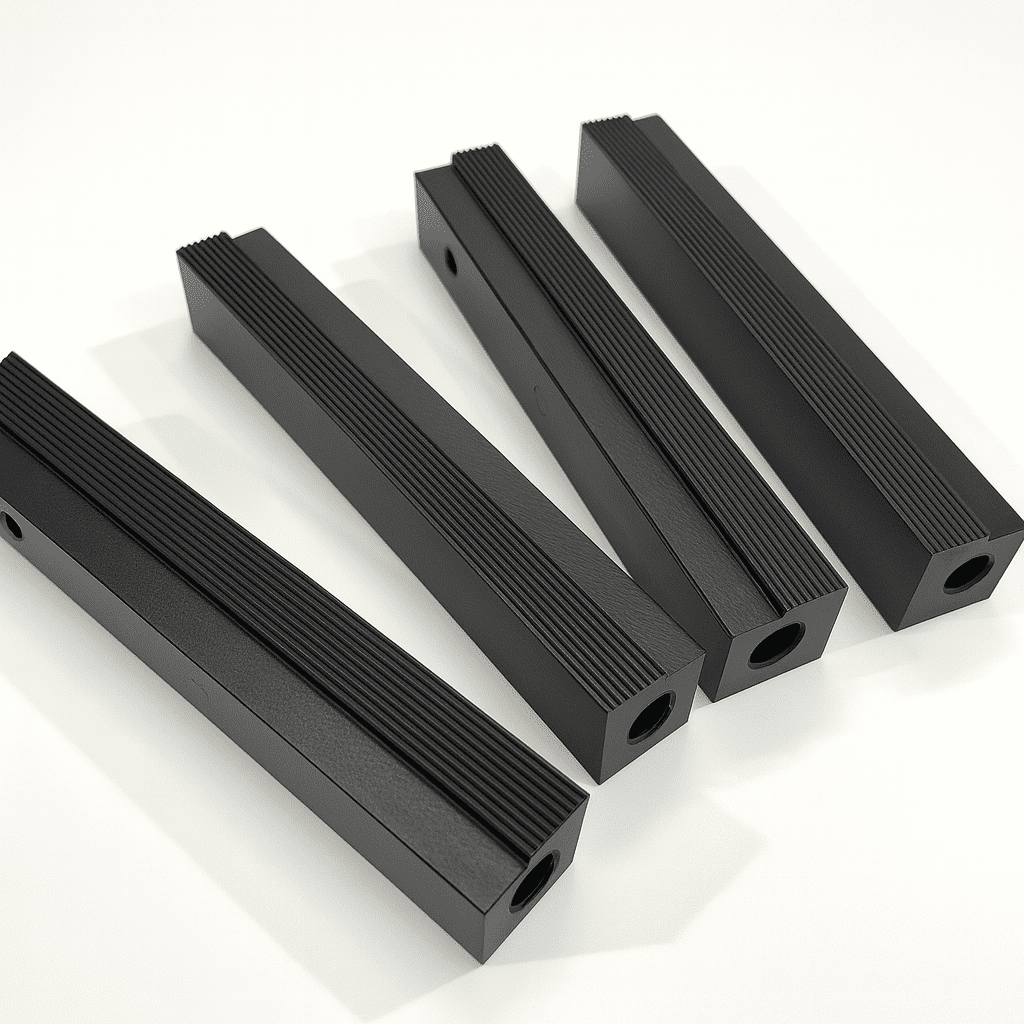
3. Inaccurate Print Registration (Eye-Mark Drift)
The machine fails to cut in the correct position relative to the printed eye-mark, resulting in misaligned graphics and incorrect bag lengths.
Potential Cause | Solution |
Incorrect Bag Length Setting | The programmed bag length is often set slightly shorter than the actual distance between eye-marks. Increase the bag length parameter in the HMI so it is slightly longer than the print repeat length. |
Worn Pulling Belts/Rollers | The friction surface of the film pulling belts or rollers has worn down, causing slippage. Replace the worn pulling belts to restore proper film traction. |
4. Sealing Jaw Temperature Faults
The heaters in the sealing jaws fail to heat up, or the temperature becomes uncontrollable.
Potential Cause | Solution |
Damaged Heater Cartridge | The heating element has burned out. Test for continuity and replace the heater cartridge if it is open-circuit. |
Faulty Wiring or Fuse | Check for broken wires, loose connections, or a blown fuse in the heating circuit. |
Broken Thermocouple | The thermocouple that senses the jaw temperature is broken or has a loose connection. The controller will read an error and shut off the heat. Replace the thermocouple. |
Damaged Temperature Controller | The temperature controller module itself has failed. If the thermocouple and heater are good, the controller is the likely culprit and should be replaced. |
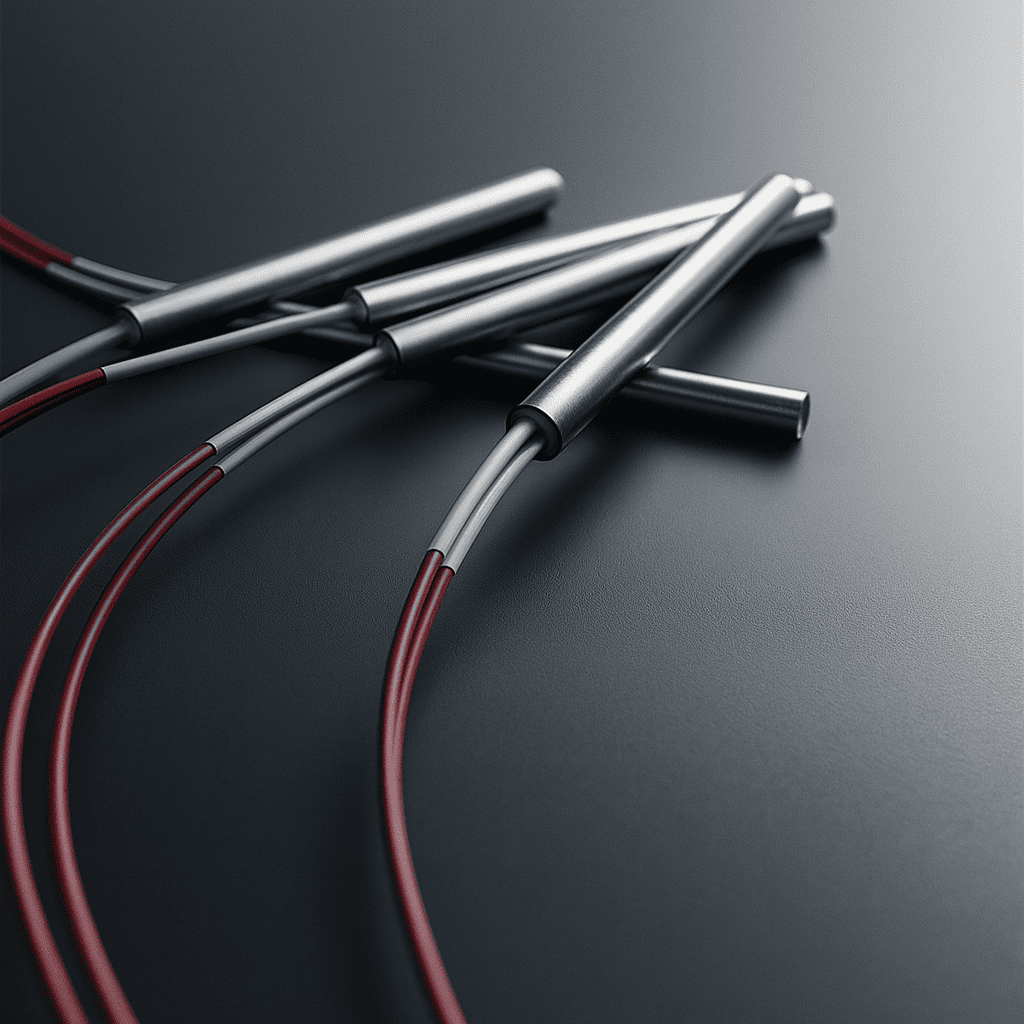
5. Incomplete Bag Separation (“Chained Bags”)
The knife fails to cut completely through the film, creating a chain of connected bags that requires manual separation.
Potential Cause | Solution |
Improper Knife Position | The cutting knife is misaligned with the anvil. Adjust the knife position to ensure it is centered and makes even contact with the anvil. |
Dull Knife Blade | The cutting edge has become dull from wear. Replace the VFFS knife. It is not recommended to resharpen these blades as it alters the critical tooth geometry. |
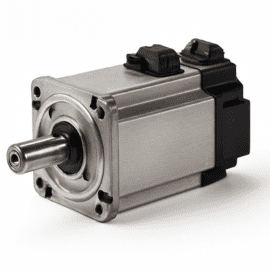
6. Film Feed Motor Malfunctions
The motor that unwinds the film roll does not turn, or it turns continuously without stopping.
Potential Cause | Solution |
Jammed Dancer Arm Assembly | The dancer arm, which controls film tension and signals the motor, is physically stuck. Free the dancer arm and ensure it moves smoothly throughout its range of motion. |
Faulty Film Feed Proximity Switch | The switch that signals the dancer arm’s position has failed. Test and replace the proximity switch. |
Failed Motor Capacitor/Drive | The motor’s start capacitor (for AC motors) or the motor drive itself has failed. Test and replace the faulty component. |
7. Filler Motor Not Activating
The auger, volumetric, or multi-head weigher system does not receive the signal to dispense product.
Potential Cause | Solution |
Incorrect Proximity Switch Position | The switch that confirms the jaws are closed or the bag is in position is misaligned. Adjust the switch to ensure it is triggered at the correct point in the machine cycle. |
Faulty Control Board or Drive | The main control board, a relay, or the specific motor drive for the filler has failed. Test outputs and replace the faulty electronic component. |
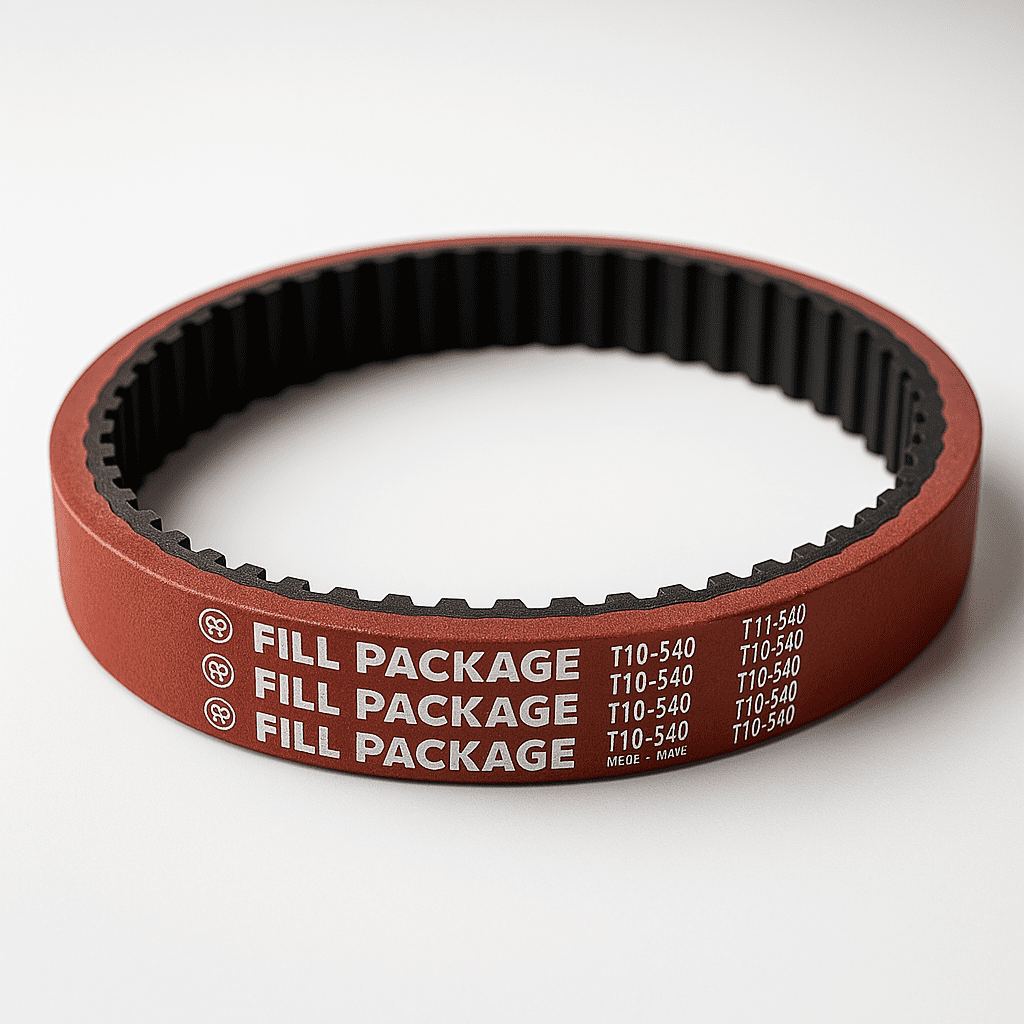
8. Film Pulling Belt Damage (Tooth Shearing)
The teeth on the synchronous pulling belts are sheared off, causing a loss of pulling force and accuracy.
Potential Cause | Solution |
Mismatched Belt/Pulley Pitch | The pitch diameter of the belt and pulley are not correctly matched, causing poor tooth engagement. Ensure you are using the exact OEM-specified belt and pulley combination. |
Insufficient Tooth Engagement | The belt tension is too low, reducing the number of teeth engaged on the pulley (aim for at least 6). Increase belt tension to ensure proper wrap and engagement. |
Inferior Belt Material | The belt material lacks the required shear strength. Purchase high-quality, OEM-equivalent synchronous belts made from durable materials. |
9. Inconsistent or Inaccurate Fill Weight
The amount of product dispensed into each bag is unstable, leading to giveaway or under-filled packages.
Potential Cause | Solution |
Inconsistent Head Pressure | The level of product in the hopper above the filler is fluctuating significantly. Maintain a consistent product level in the hopper using a level sensor and infeed conveyor. |
Product Bridging or Clogging | The product is not flowing smoothly into the filler (e.g., auger, volumetric cup). Check for blockages. For powders, consider adding a hopper vibrator or agitator. |
Loose Mechanical Components | On a volumetric filler, linkages or set screws may have come loose. Inspect and tighten all mechanical components. |
10. Main Power Breaker Tripping
The machine’s main electrical circuit breaker or GFCI trips, shutting down the entire machine.
Potential Cause | Solution |
Internal Short Circuit or Ground Fault | A wire has chafed and is shorting to the machine frame, or moisture has entered an electrical enclosure. Methodically inspect wiring, connectors, and enclosures for damage or moisture ingress. |
Overloaded Motor | A motor is drawing excessive current due to a mechanical jam or bearing failure. Identify the faulty motor and correct the underlying mechanical issue. |
11. Wrinkled or Uneven Film at the Forming Tube
The film is not smooth as it travels over the forming shoulder, leading to poor appearance and potential sealing issues.
Potential Cause | Solution |
Uneven Film Tension | The tension across the film web is not uniform. Adjust the dancer arm or unwind brake system to ensure even tension. |
Damaged or Incorrect Former | The forming tube has dents or scratches, or its design is not suited for the film being used. Inspect the former for damage and polish out any minor imperfections. |
Poor System Synchronization | The film pulling belts are not perfectly synchronized, causing one side to pull harder than the other. Check the alignment and drive system of the pulling belts. |
12. Low Packaging Speed (Poor OEE)
The machine is not achieving its rated bags-per-minute output.
Potential Cause | Solution |
Sub-Optimal Machine Parameters | Dwell times, sealing temperatures, or motion profiles are not optimized. Methodically adjust parameters to minimize cycle time without sacrificing quality. |
Worn Mechanical Parts | General wear and tear on bearings, belts, and actuators can slow down the machine’s movements. Implement a preventive maintenance schedule to replace worn parts proactively. |
Undersized Motor or Drive | A key motor (e.g., the jaw drive servo) may lack the power to perform at the desired speed. Confirm that the motor and drive are correctly sized for the application’s torque and speed demands. |
Conclusion: The Path to VFFS Reliability
The stable operation of your VFFS machine is paramount to achieving production targets and ensuring product quality. By understanding these common failure modes, technicians can move from reactive repairs to proactive problem-solving. Regular preventive maintenance, proper operator training, and the use of high-quality spare parts are the keys to minimizing downtime and maximizing the efficiency of your packaging operations.
If you’re facing persistent issues with worn components, contact Fill-Package for reliable, high-performance replacement parts, from knives and belts to servo motors and sensors.